playMaker



Some of the amazing games that use PlayMaker:
Find more PlayMaker projects on our Forums on YouTube
and Twitter
"I used Playmaker for everything in Blue Prince. To me, visual scripting made the process of coding feel a lot like playing a game. Seeing all the nodes and connecting red strings helped me visualize the millions of connections that make up the sprawling network of ideas and secrets in the game. Even when I wasn't at a computer, I could still visualize the FSMs in my head and work on problems. In a way, it gave me the same experience players have while playing Blue Prince. Development, after all, is just a long, long series of puzzles."
Tonda Ros, the creator of Blue Prince

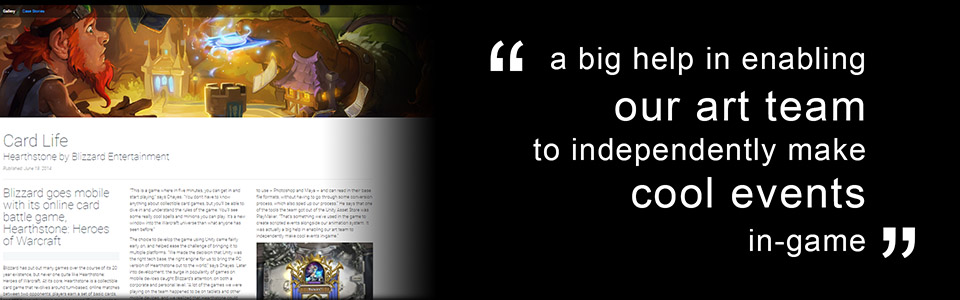
Check out Unity Showcase: Card Life to read about how Hearthstone used Unity and Playmaker:
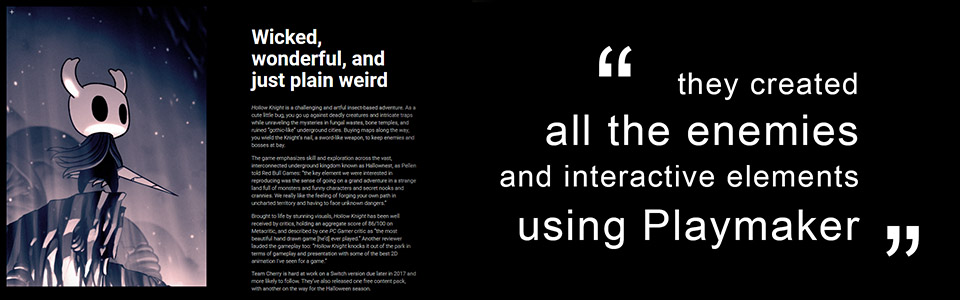
Check out Made With Unity: Hollow Knight to read about how Team Cherry used Unity and Playmaker:
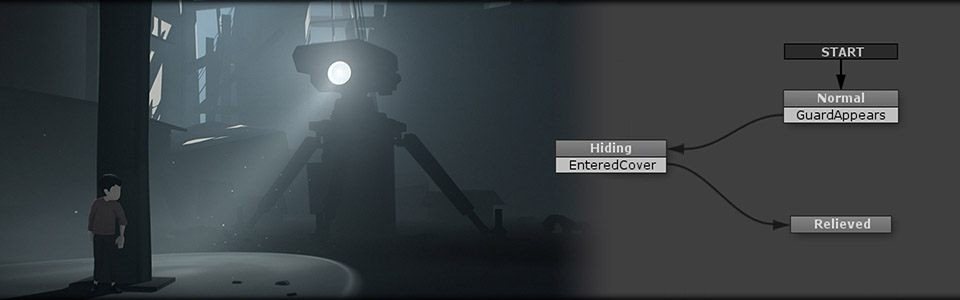
"Playmaker is the smoothest and most intuitive way for non-coders to implement functionality into our
games!"
Andreas N Grøntved, Lead Animator, Playdead
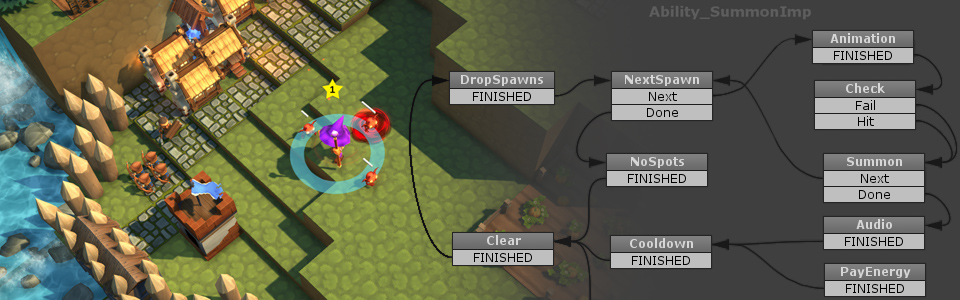
"I created ValeGuard without writing a single line of code. I didn't think this was possible until I found
Playmaker."
Ryan Drag, Lost Tower Games
"I would have never released a game if it wasn’t for Playmaker. For artists like myself, it opens up a new
world."
David Wehle
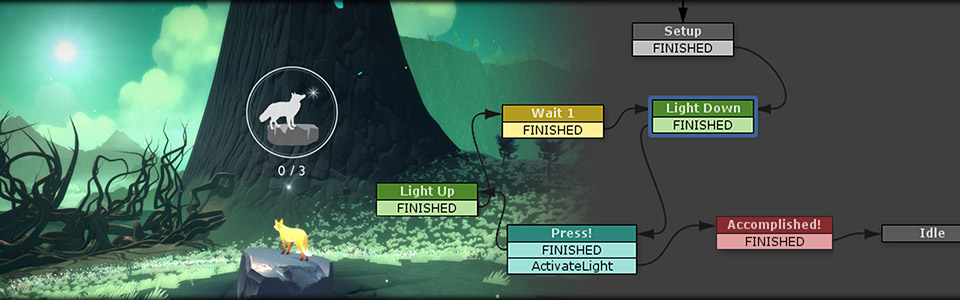
"Playmaker is what makes my games happen. It's the one tool in Unity I couldn't live
without."
Terri Vellmann
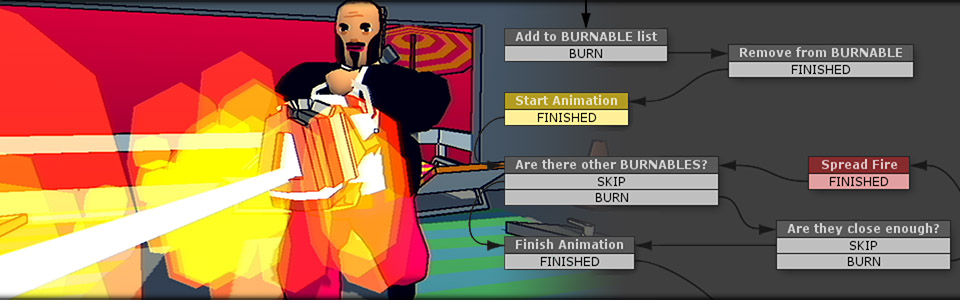
"PlayMaker is the very heart of Poi -- every character, enemy and cinematic was built from the ground up
using the powerful and intuitive visual scripting tool."
Paul Ewers
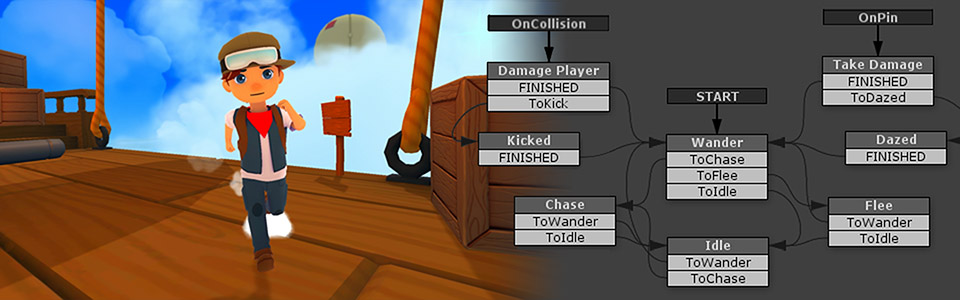
"Working with Playmaker is like drawing my ideas on paper. I am a veteran coder but I love to see my code
ideas in a snapshot."
Ruben Alcaniz
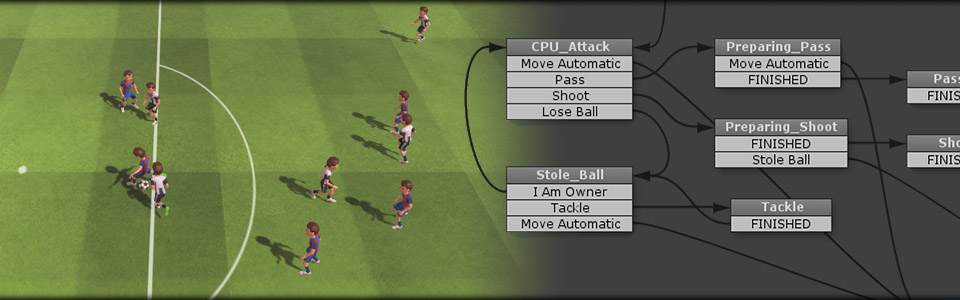
"Virginia wouldn't have been possible without Playmaker."
Jonathan Burroughs, Variable State
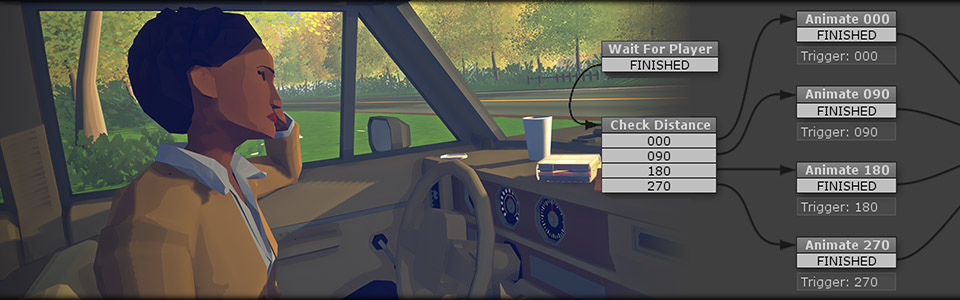
"There are a lot of things going on at the same time in Dreamfall Chapters, and Playmaker lets us keep
track of it all. With an easy to use interface, and a very flexible toolset, making games with Playmaker is
both fun and rewarding!"
Martin Bruusgaard, Design Director, Dreamfall Chapters
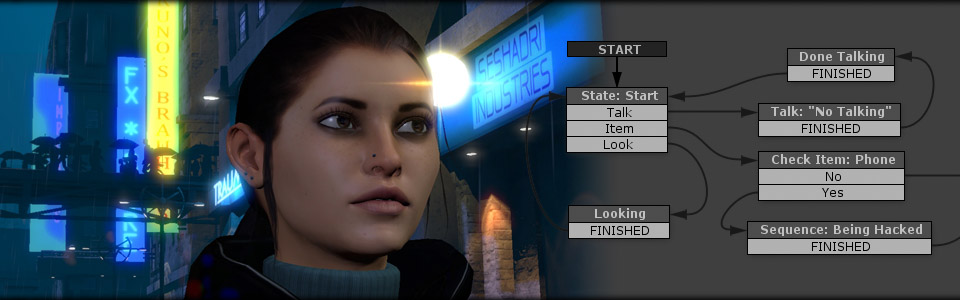
"Playmaker allowed a couple of friends like us to develop a game from start to finish without writing any
code."
Bartek Nowakowski, Fireside Games
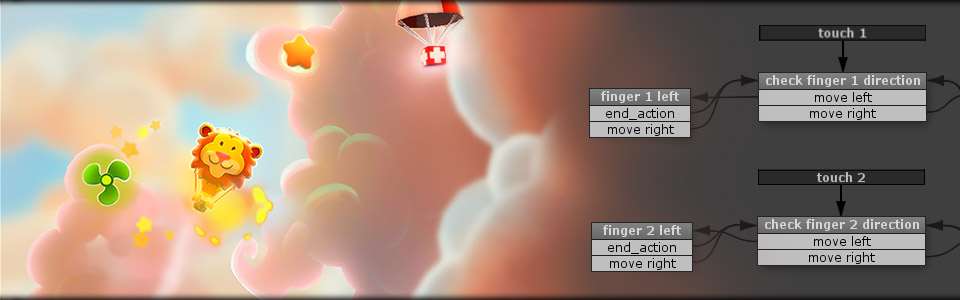
"As a designer and artist without strong coding skills, with Playmaker I’m able to bring my ideas to life
without any limits."
Micah Betts
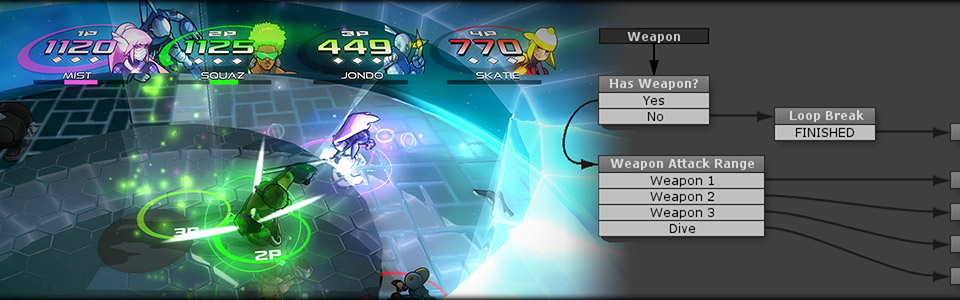
"I've worked in the games industry for years, but always as part of a larger team. When I became an
independent developer I needed to figure out how to make my own games quickly. Playmaker stood out as an
obvious choice - it gives you access to all the power of Unity, while still providing the ease of a visual
scripting tool. Playmaker is easy to pick up but also incredibly deep and flexible, and with regular updates
and an amazing community there's not much more I could ask for!"
Jenna Hoffstein, Founder, Little
Worlds Interactive
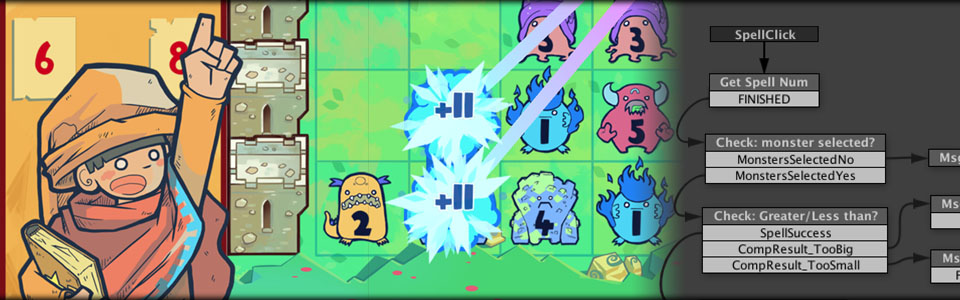
"[PlayMaker] has given our designers a lot of freedom to work without needing to rely on code support for
every little job,”
Dominic Matthews, Product Manager, Ninja Theory
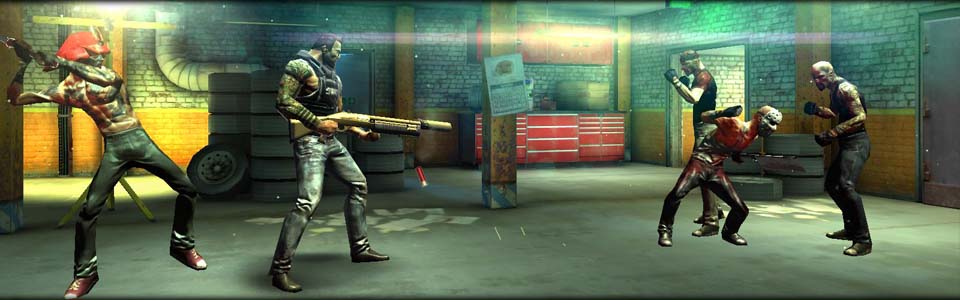
"For me, Playmaker is a gateway into a world I’d always considered alien – it’s basically a visual code
editor, and for someone who has been using UDK on and off for the past 5-6 years, it made the process of
creating functional code in Unity very natural."
Robert Briscoe, Environment Artist and Indie Game
Developer
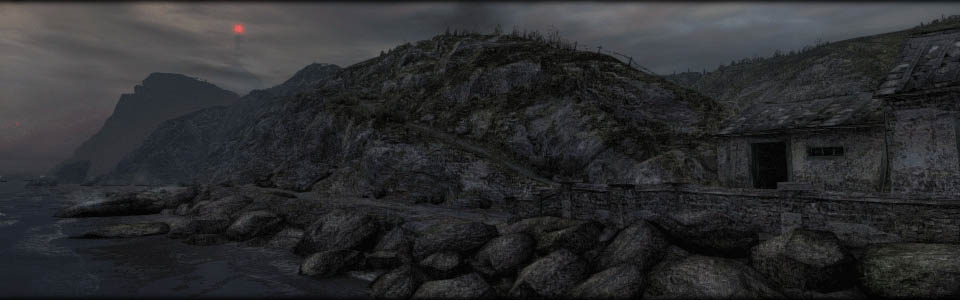
"PlayMaker for Unity is awesome because it lets us quickly set up in-game events and cinematics using its
visual scripting tool."
Alan Rueda, President, Lab Rats Studio
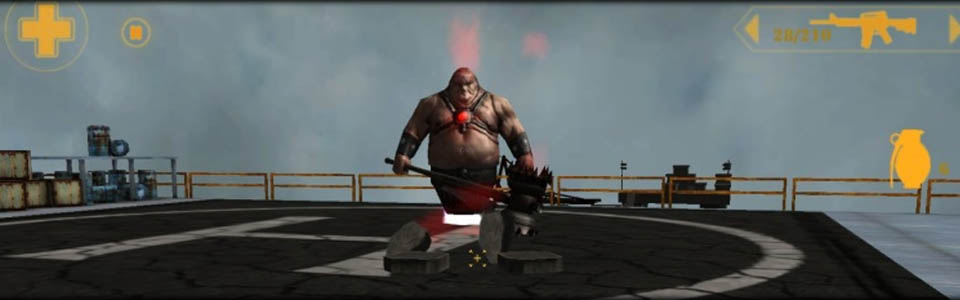
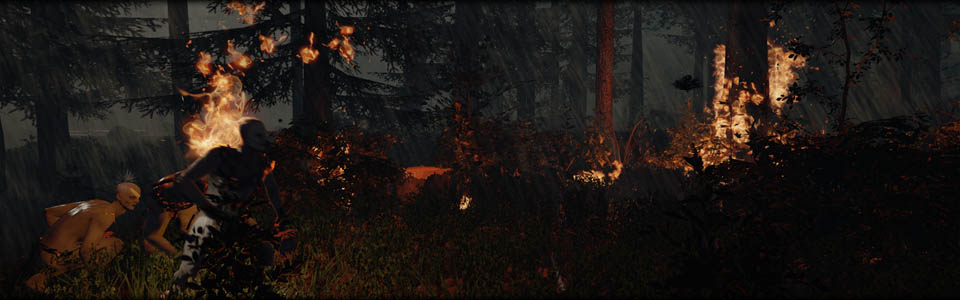
Endnight Games used PlayMaker to realize the Creature AI in this open world horror game.
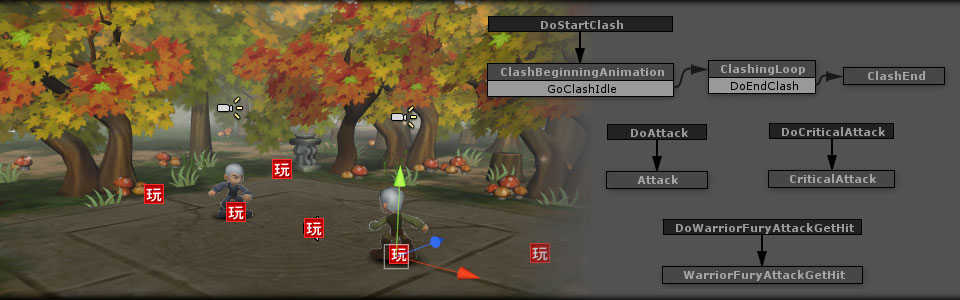
"Playmaker allows my artist to make all the effects without us needing to code anything other than a few
tools for sprites."
Joseph Cooper
"PlayMaker lets a programming-illiterate artist like me get a game out the door without writing a single
line of code!"
Mark Arrebola, I Make Things
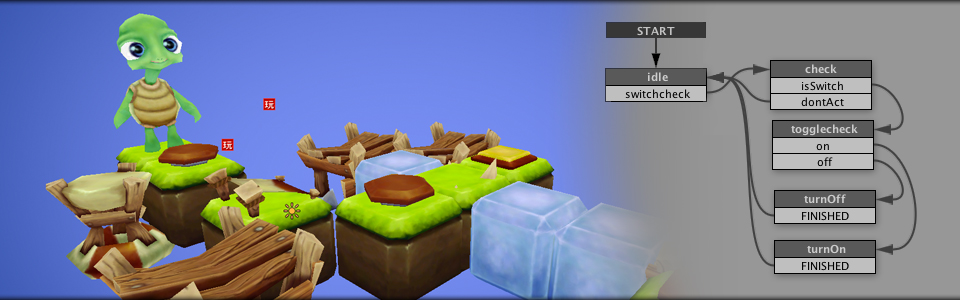
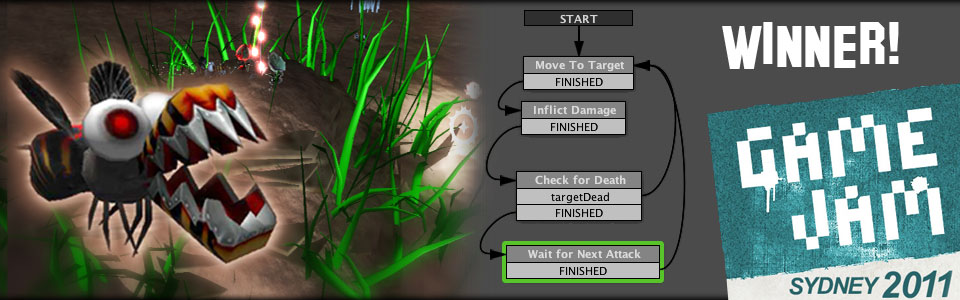
Your new best friend, from the creator of the best selling Talking Carl.
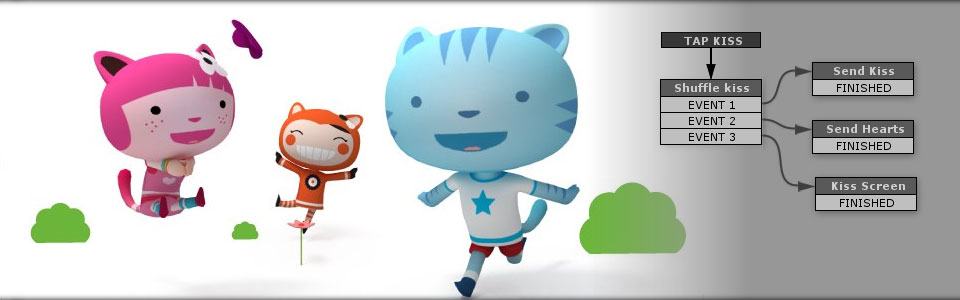
Winner Global Game Jam Sydney 2011
"Wouldn't have been possible in the time frame without PlayMaker!"
James Murchison, Team Inevitable
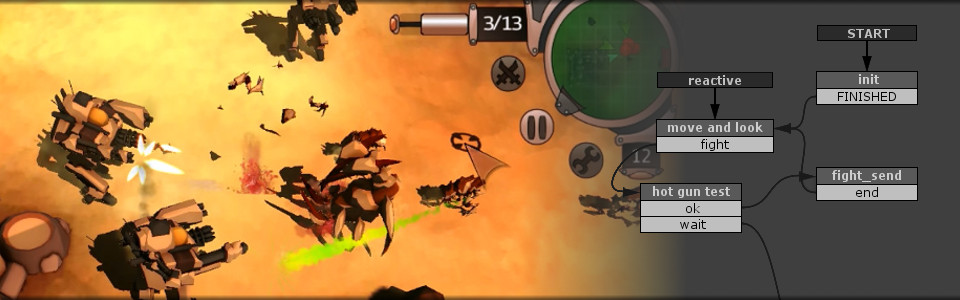
100% PlayMaker! Non-stop action! Customize your mecha and fight against the hordes.
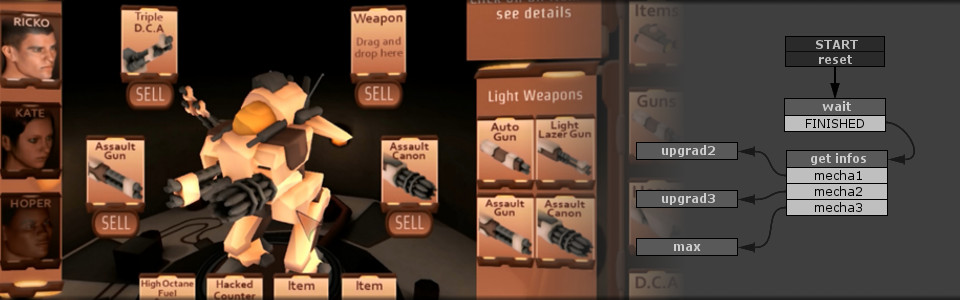
Shopping system and item management made with Playmaker.
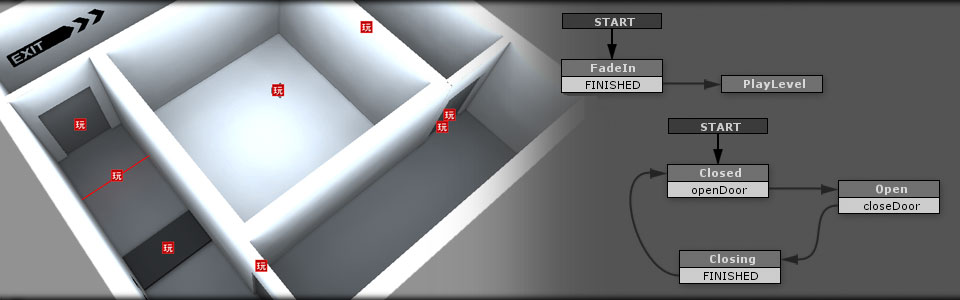
PlayMaker ships with "TestLab" scenes to help you get up and running quickly.
This sample shows how to setup triggers and buttons in a first person level.
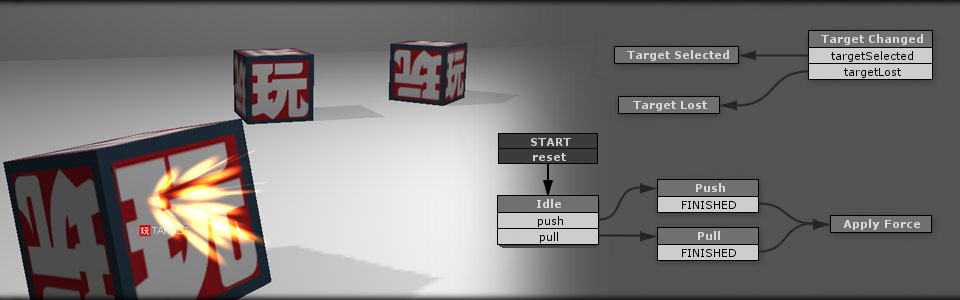
Another TestLab sample: Shows how to target objects and use physics.
Check out more info on our many Tutorials